

Every strand. Every expression.
Take a closer look at the details that make a portrait feel personal.
VORIPHOTO · AI PHOTO EDITOR
Enhance photo quality, remove unwanted objects and watermarks, and edit backgrounds—all in one easy-to-use AI photo editor.
Unlimited use of eligible features with membership



01 / MANGA COLORIZATION
Give black-and-white manga a new dimension. Explore color, atmosphere and character while keeping the drawing at the heart of the story.
02 / IMAGE WATERMARK REMOVAL
Give your image room to speak. Select an unwanted watermark, text or logo, preview the cleanup and refine the selection before exporting.

Start with the photo you want to clean up.
Select the text, logo or watermark area with the brush.
Review the result, refine your selection and save.
03 / AI FACE SWAP
Try a new look or step into a different scene. Bring a portrait and a scene photo together to explore another side of your creativity.
Start with the photo you want to transform.
Use a clear, front-facing photo.
Review how the face fits the new scene.

Use photos you have permission to edit
04 / PHOTO ENHANCEMENT
Make portraits feel more vivid. Bring attention back to eyes, hair and texture, with enhancement tools for the photos you want to keep.
Take a closer look at the details that make a portrait feel personal.
100%Review the whole photograph, then zoom in on the moments that matter.
05 / MORE THAN PORTRAITS
From a familiar face to a faraway place. Find the right enhancement mode for the images you love.
Bring faces and fine textures into focus with portrait enhancement.
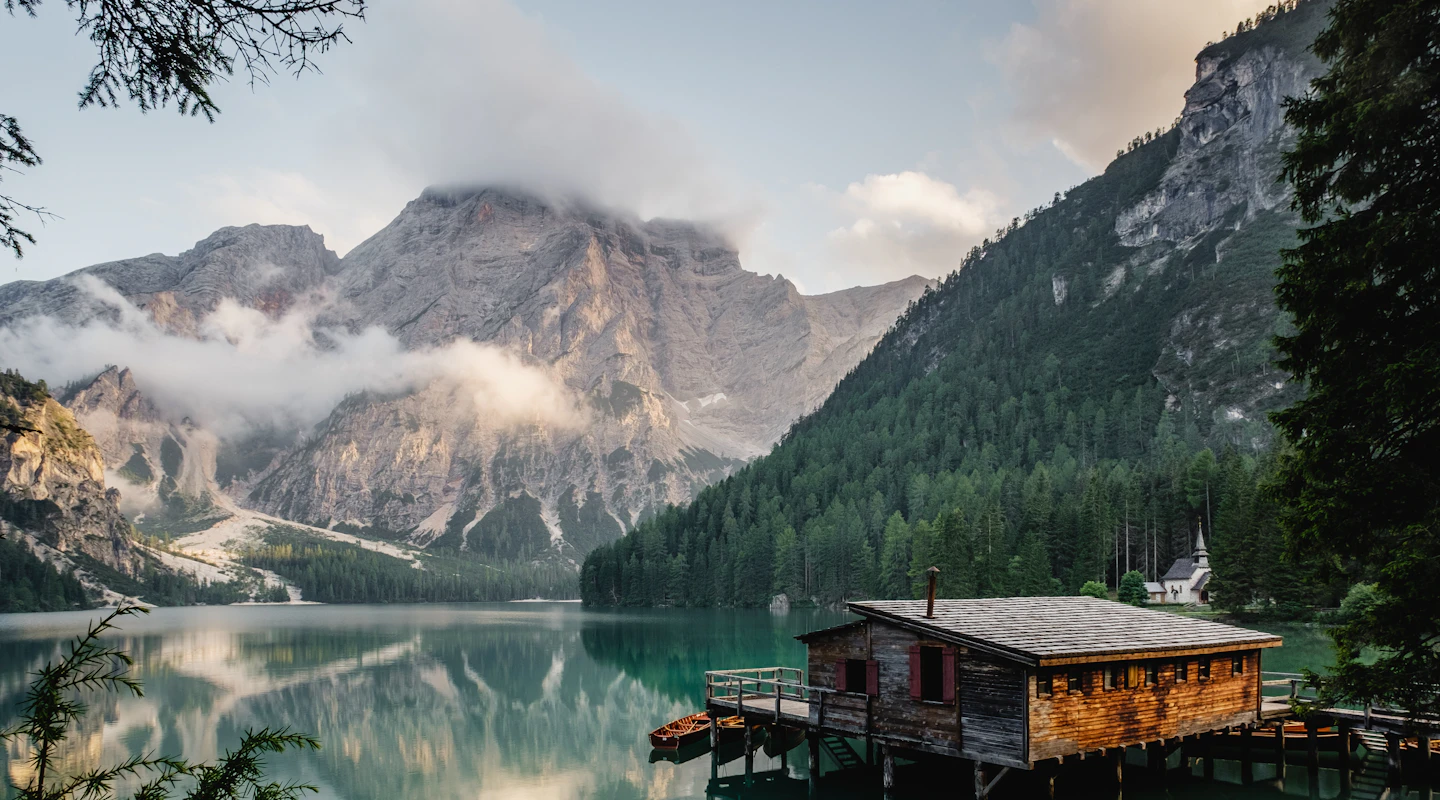
Explore landscape enhancement for scenery, architecture and travel memories.
Explore anime enhancement for illustrated characters and detailed scenes.
06 / A MORE COMPLETE TOOLKIT
Keep your editing flow going with the everyday tools around your next great image.
Selected areaRemove unwanted objects, text and watermarks from images you have the right to edit.
 Transparent / Scene
Isolate your subject and explore a transparent, solid-color or replacement background.
Bring batch processing, background removal and exporting into your workflow.
Convert formats, assemble collages, add your own watermark and refine colors.
BEFORE YOU GET STARTED
Find the official release and system information for your setup.
Confirmed systems appear with the official release.
Minimum and recommended specifications will accompany the installer.
Find published versions and files in Downloads.
A FEW THINGS TO KNOW
Import your photo into VoriPhoto and open the image watermark removal tool. Brush over the watermark, preview the result and adjust the selected area if needed before exporting. The result depends on the watermark and the detail behind it.
VoriPhoto brings image watermark removal, photo enhancement, manga colorization, AI face swap, object removal, background editing, batch processing and everyday image tools into one desktop app.
Yes. Manga colorization and AI face swap are available VoriPhoto features. Use your own artwork and portraits, or images you have permission to edit.
Enhancement depends on the source image. Very small, heavily compressed or severely blurred photos may contain too little detail for a natural result. Compare the result with your original before exporting.
Drag the slider to view both sides of the image. For face swaps, switch between the original scene and the face swap preview.
During an active VoriPhoto membership, designated features have no per-use limit. You can revisit edits and process more photos with those features. The selected plan defines which features are included; other features may have separate allowances or credit requirements. VoriVideo membership is separate.
Use the official Downloads page for available installers and supported systems. If a release is not yet listed, its installer and system requirements have not been published.
 VoriPhotoPHOTO TOOLS FOR A BRIGHTER EVERYDAY
CLEANER PHOTOS. MORE ROOM TO CREATE.
Discover image watermark removal, photo enhancement and creative tools. With membership, eligible features are yours to use without a per-use limit.
Eligible features · VoriPhoto membership